
Just Saw a House? Quick Facts.One address, the facts that matter, on one phone screen
Walking out of a showing? Type the address. Size and age from county records, a value range, sales in its community, schools, noise and sun, each with its source and a link to the full tool.
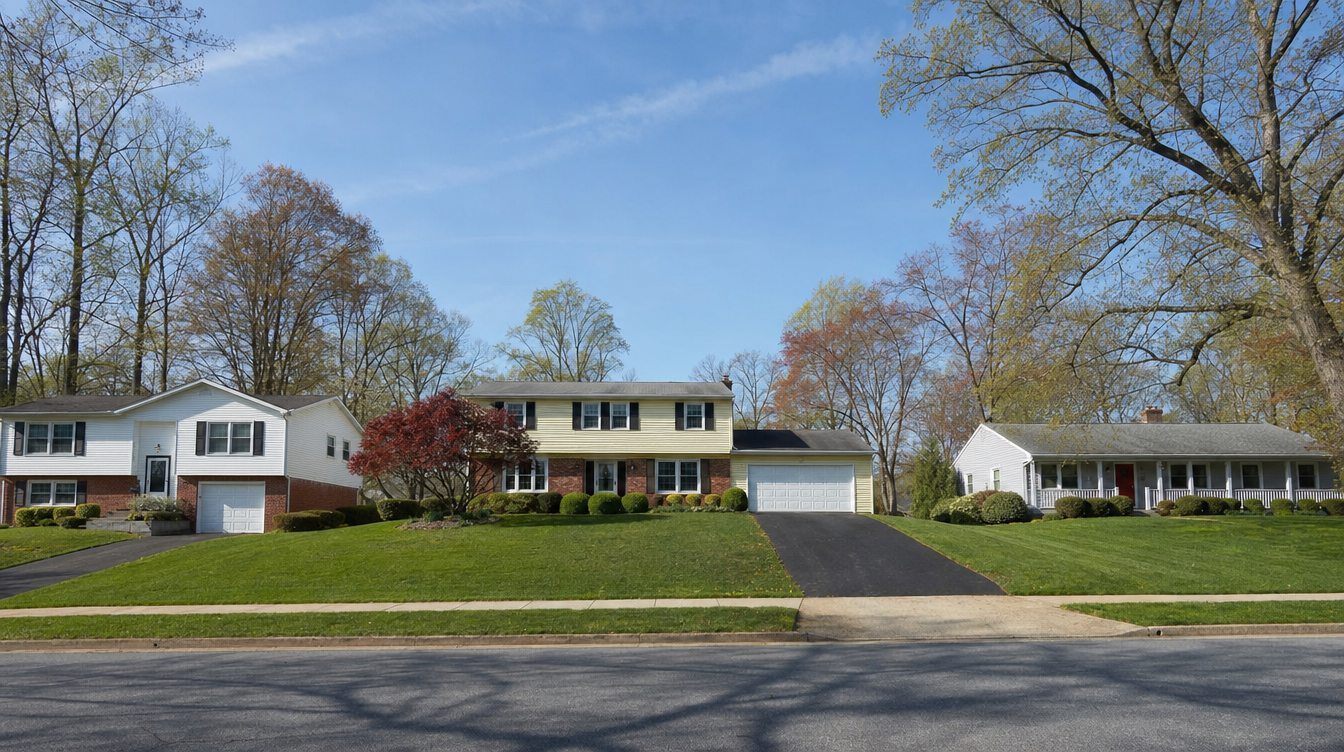
Spring on a Greenbriar street· Fairfax, Fairfax County
Pictures: artist’s renderings of real places in Northern Virginia.
The quick facts
Type the address. The facts come to you.
Pick the address from the list. The cards fill in a second or two, each with a link to its full tool.
Updated October 24, 2026Records, sales and maps as dated on each cardThe tool first, then a 1-minute read
Quick answer
Right after a showing, type the address here. You get six quick facts: the house from county records1, a value range with stars from the closed sales most like it2, how many homes sold in its community, its schools by name3, the noise at the house4 and which way the front faces6. Each card opens the full tool with the house filled in.

One house, six facts
Each from its own source, each with a link to the full tool
Facts are general information from public records and closed sales, not an inspection or an appraisal.
How to use it at a showing
Two minutes in the car, before the next house.
- Type the addressOr type it in the search at the top of any page and tap Just saw it? Quick facts.
- Read the six cardsOne number each. Tap any card for the full tool: value fine-tuning, the school lines, the noise map, sun room by room.
- CompareThe page keeps your last few houses on this phone, so the next one shows side by side with this one.
- Share or askSend the facts to your partner or family, or text me the house and I’ll tell you what I know about that street.
Questions
What people ask about the quick facts.
What is on this page?
Type the address of a Northern Virginia house and you get six quick facts on one screen: its size, bedrooms and year built from county records, a value range from the closed sales most like it, how many homes sold in its community, its public schools by name (Fairfax and Loudoun), the noise at the house on the US DOT noise map, and which way the front faces. Each card links to the full tool, with the house already filled in.
Where do the facts come from?
Each fact comes from a public source or a set of closed sales, listed under Sources: county and city property records, 24 months of Bright MLS closed sales, the school divisions' own boundary files, the US DOT / BTS 2020 noise map, the airports' and counties' official noise zones, and building outlines and streets for the sun. Nothing is made up or guessed when a fact is missing: the card says so and links to the tool.
Is the value range an appraisal?
No. It is the same method as the home value page on this site, before any fine-tuning: the closed sales most like the house (size, age, how recent), with stars for how well those sales agree. Condition, upgrades and the lot move the number, so tap Fine-tune the value after a walk-through.
Why are there no school ratings?
The page names the schools whose official attendance lines include the house, and nothing more. For test results and other reports, each school division and the Virginia Department of Education publish them, and lines can change, so confirm with the division before you buy.
Is the address saved or sent anywhere?
The address is looked up in Virginia's own address list (VGIN) to place it on the map, as on the other tools on this site. The facts are worked out in your browser. The last few houses you checked are kept in this browser only, for Compare with the last house, and you can forget them with one tap.
Can I send it to my client or my family?
Yes. Tap Send these facts to someone: your phone's share menu opens with a link to this page for that house. The address travels after the # in the link, which browsers do not send to any website.
Your next step
Saw a house you like? Let’s talk.
Text me the address and I’ll tell you what the facts don’t: how that street sells, what buyers pay for its upgrades, and what to offer. English or Arabic.
Keep exploring
The full tools behind each card.
What is it worth?
The value range, fine-tuned for condition and upgrades.
ToolSchool Boundary Finder
Every school line on the map, with the subdivisions in it.
ToolHow loud is my street?
Road, rail and plane noise in decibels, any address.
ToolHow much sun will this house get?
When direct sun reaches each room, by season.
ToolPhone noise meter
Still at the house? Measure the noise in each room.
ToolRent estimator
What the house would rent for, from real leases.